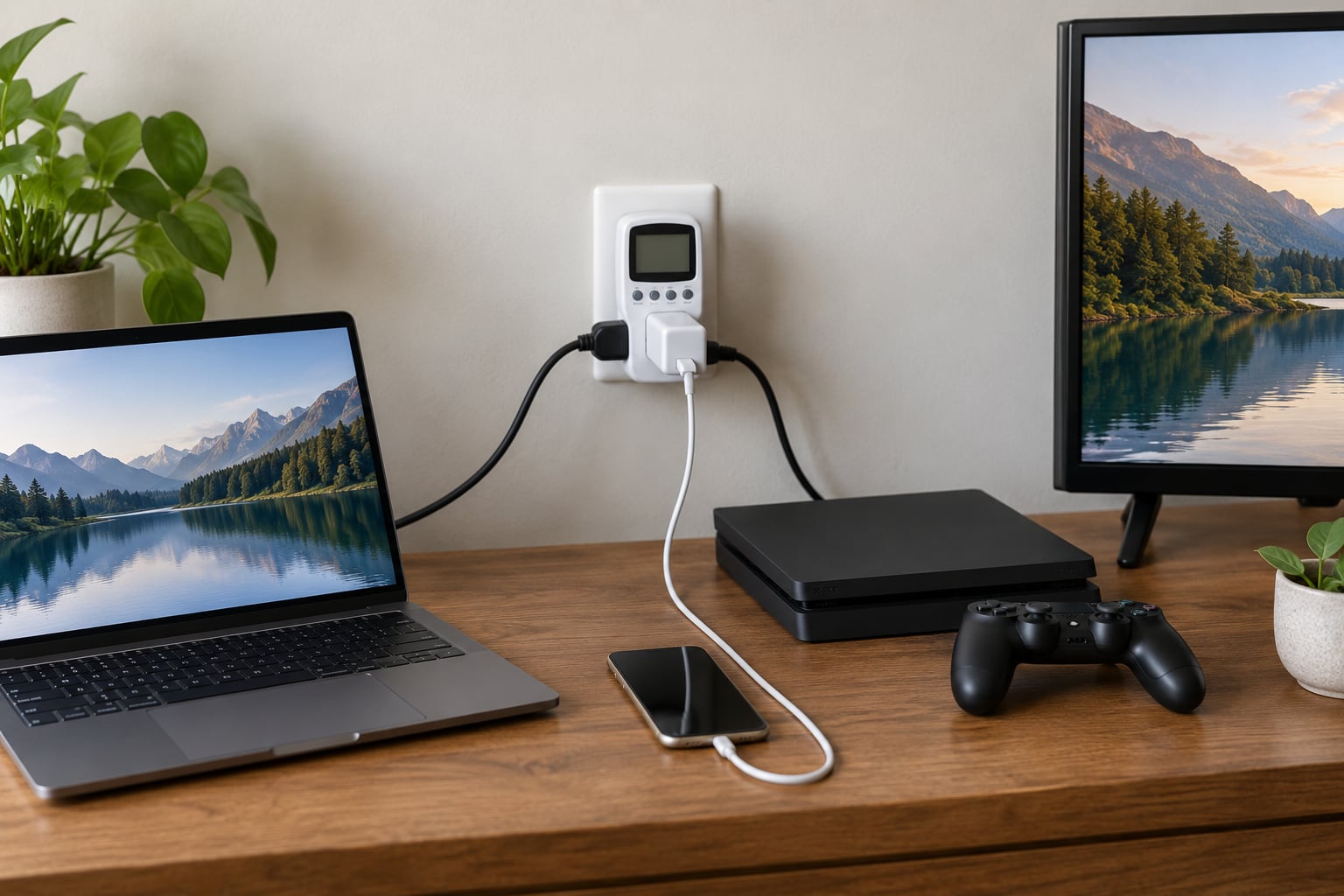
Phantom power is the electricity a device draws while plugged in but switched off or sitting in standby, also called standby power, vampire power or phantom load. The single most effective thing you can do is unplug the devices you never use and put the ones you do use behind a switch. That is the whole method, and the rest of this guide is how to do it without guessing.
Here is why the guessing matters. The U.S. Department of Energy estimates standby loads at close to 10% of residential electricity use. An NRDC study that plugged monitors into 70,000 homes in Northern California measured an average always-on load of 164 watts, roughly 1,300 kWh a year, and around 23% of the electricity those homes used, with consumer electronics making up about half of it.
One device on standby is small. Thirty of them running for a year is not, and that is the number most people get wrong. You do not need to unplug everything or buy a pile of hardware. You need to find the four or five loads that actually matter, cut those, and leave the rest alone.
Table of Contents
- What You Need
- Step-by-Step
- How to identify devices that draw standby power
- How to measure standby power with a plug-in meter
- How to unplug devices that are not in use
- How to use strips and controls for switched-off devices
- How to keep the savings working every day
- When it is not worth bothering
- Common Mistakes
- Frequently Asked Questions
- Is turning off the power strip the same as unplugging?
- Does phantom power use a lot of electricity?
- Does unplugging really save electricity?
- What is the one appliance you should unplug at night?
- Is there a device that can reduce your electric bill?
- Do phone chargers use electricity when nothing is plugged in?
- Start with the biggest standby loads
What You Need
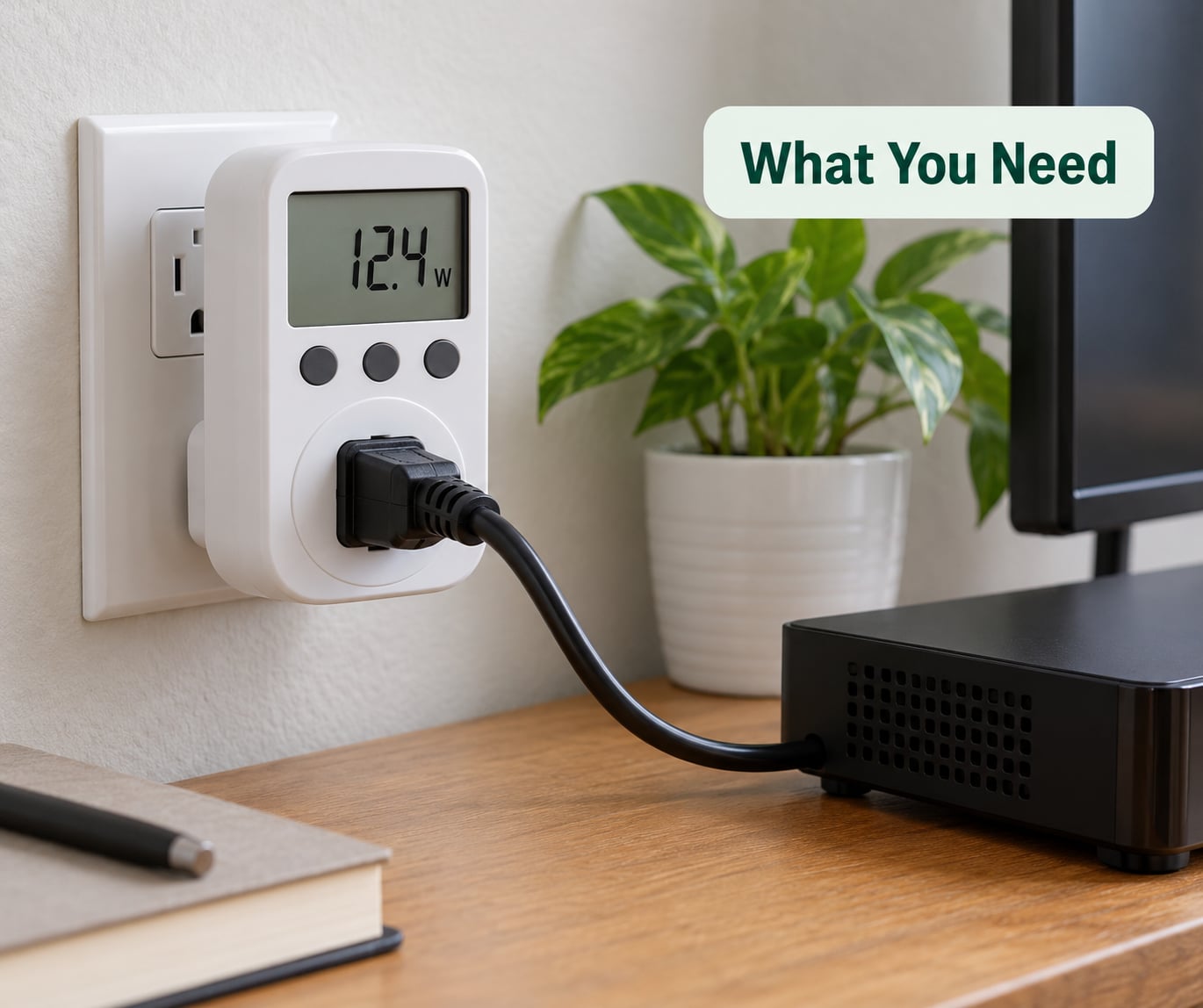
A plug-in energy meter is the one tool worth buying. The common name is Kill A Watt, but the category is large and any model that displays instantaneous watts will do. It sits between the wall and the device and tells you exactly how many watts that device is pulling right now.
A switched power strip is the second thing. Look for one with an on/off button or a master switch on the cord, and a surge protector rating you trust. Buy from a brand you have heard of, not the anonymous ones sold in bundles of four, because a poorly made strip is a fire risk that no energy saving offsets.
A smart plug or smart timer is optional. It earns its place once you know which loads are worth cutting, because it removes the need to remember. Skip it for the first pass and you will probably buy one for the wrong device.
You also need the standby label or manual for anything you plan to switch, and a list. Write down every plugged-in device in the house, room by room, including the ones you are not sure about. That list is the raw material for everything that follows.
Two rules before you touch anything. Never put a fridge, freezer, sump pump, medical device, space heater or portable air conditioner on a smart plug or a strip you switch off, because cutting power to a compressor or a heating element can shorten its life or damage it. And check the amperage rating on whatever strip you use against the sum of the loads on it.
Step-by-Step
How to identify devices that draw standby power
Start with the easy signal. A remote control, a clock display, a lit logo or a “standby” or “off mode consumption” figure on the label tells you the device keeps circuits powered after switch-off. Most modern TVs, set-top boxes, game consoles, microwaves, cordless phone bases, desktop computers and every wall charger fall into this group.
Then read the wattage on the back of each device. Manufacturers are required to publish standby consumption, and it is usually printed near the model number or on the energy label. Anything above one watt is worth measuring properly.
If a device has neither a remote nor a clock, standby draw is usually minimal, and you can move on. Toasters, kettles and irons in their off position draw nothing worth measuring.
| Device | Typical standby draw | Why it stays on |
|---|---|---|
| Desktop computer in sleep | 10 W and up | Memory and network card stay powered |
| Cable or satellite box | 10 to 20 W | Scans the guide for updates |
| Game console in rest mode | 10 to 20 W | Downloads system updates |
| Home theatre or soundbar system | 1 to 10 W | Amplifier and signal detection |
| Television | 1 to 10 W | Remote receiver and settings memory |
| Microwave | 1 to 3 W | Clock display and keypad |
| Cordless phone base | 1 to 3 W | Charges the handset and listens for the ring |
| Wall chargers and power bricks | 0.1 to 1 W each | Electronics run at a trickle even with nothing attached |
Read that table as a ranking, not a promise. The entertainment cluster is the biggest single target in most homes because four or five of those devices share one socket and none of them is used between midnight and breakfast.
How to measure standby power with a plug-in meter
Plug the meter into the wall, then plug the device into the meter. Switch the device on, let it settle, note the running watts, then press its off button or remote-off and read the number again. The second number is the standby draw. Do one device at a time and write the figure down as you go.
Convert the watts into something you can put against a bill:
standby watts × 8.76 × your rate per kWh = cost per year
The 8.76 comes from 24 hours multiplied by 365 days, then divided by 1,000 to turn watts into kilowatts. A device idling at 48.5 watts uses about 425 kWh a year. Multiply that by the rate printed on your electricity bill and you have a real annual figure, not a guess.
Run the same arithmetic on your actual rate rather than an average. Electricity prices vary a great deal by region, and in an expensive market the saving is proportionally larger. Your bill shows the unit price in small print on the statement.
You can confirm your work later by leaving the meter on a switched-off entertainment centre overnight. A figure that looks too low to be true usually means the device was in a deeper sleep mode than the manual suggested, and a second reading settles the question.
How to unplug devices that are not in use
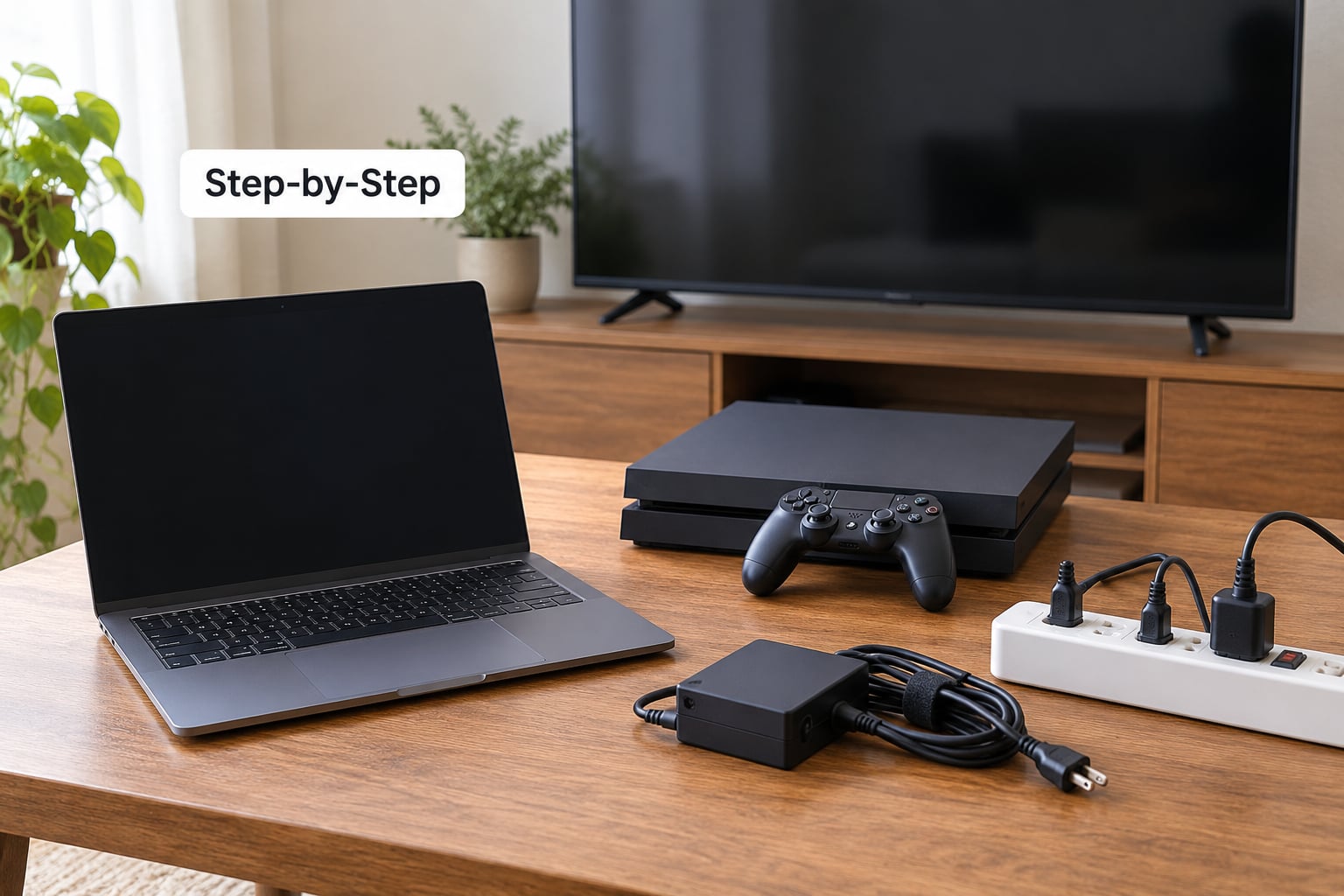
Work room by room, not device by device across the house. The living room first: after the last person goes to bed, walk in and unplug the television, the set-top box, the console and the soundbar. Then the kitchen, where the microwave and any coffee maker with a clock go. Then the office, where the desktop, monitor, printer and speakers usually sit.
The bedroom is where chargers gather. A phone charger left in a socket with nothing plugged into it still draws a trickle, and it does so every hour of every night. Unplugging a charger removes that draw completely, which is a cleaner result than switching off a strip that still has the charger attached to it.
Two things to protect. Settings on many devices survive a power cut because they are stored in non-volatile memory, but check anything you care about before you start, particularly a TV with stored channel positions or an appliance with programmed timers. And do not make a habit of gripping and twisting plugs hard every night; repeated strain loosens the contacts and creates a real hazard. A switched strip is gentler on the plug than daily yanking.
Some equipment should stay on: the refrigerator and freezer, the router if you want the network up, an alarm system, a sump pump, a home oxygen or other medical device, and anything with a clock you actually read. The saving from a router is small enough that convenience usually wins.
How to use strips and controls for switched-off devices
A basic on/off strip is the simplest tool and often the most effective. Everything plugged into it is dead when the switch is off, so one press at bedtime removes the whole entertainment cluster. Put the strip somewhere you can reach the switch without moving furniture.
Smart plugs add scheduling, remote control and sometimes per-outlet energy monitoring. That scheduling is what makes the saving stick: set the entertainment centre to cut off at 00:30 and stop relying on memory. Away mode, which switches everything off when the last person leaves the house, is the setting most worth finding in your app.
Here is the honest objection, because you will read it in forums: a smart plug draws its own idle power, and a cheap one can draw more than the television it is meant to control. Check the standby figure in the specifications before buying, and remember that the cure only pays when the load behind it is bigger than the cure itself. That is why measuring comes before buying.
Timers are the simplest automation of all. A mechanical or digital timer on a strip takes away the forgetting without any app, network or hub. For a home office or a bedroom charging point, it does the whole job.
How to keep the savings working every day
Build one charging station. A power strip on a desk or a bedside table holding the phones, the watch and the earbuds means five chargers get switched off together instead of five separate decisions being forgotten. That single change removes more standby draw than most people expect, because the bedroom is where idle chargers accumulate.
Label shared outlets. A piece of masking tape on the strip that serves the living room tells the next person what to press and stops the habit of leaving devices on for a week. It also stops anyone unplugging the wrong thing.
Re-check after every device upgrade. A new console or a second television can double the standby load in a room without changing anything else about your routine, and the old list stops being true the day the new box arrives.
When you have been away, use the bill as a diagnostic. Usage while nobody was home is a reasonable proxy for always-on load, because the appliances that ran were the fridge, the heating, the dehumidifier and whatever was left plugged in. A spike in that baseline is worth investigating.
When it is not worth bothering
Below about half a watt per device, the saving is small enough that effort beats return. Pulling a phone charger out every night to avoid a tenth of a watt is not a good trade. Do the arithmetic on your own rate first, then decide where your attention is worth spending.
The largest gains come from loads that are used intermittently and left on for weeks at a time, not from the charger in the kitchen drawer. That is the threshold most guides miss, and it is the whole reason to measure before you buy anything.
Common Mistakes
Assuming a red light means high consumption. A standby light draws microamps. The light is evidence that the device is in standby, not evidence of how much power it is using. The meter is the only reliable judge.
Switching off equipment that must stay on. Fridges, freezers, sump pumps, medical equipment and heating appliances should not go behind a strip you control. Repeated power cuts shorten compressor and pump life.
Overloading an extension lead. Add up the loads and check the rating. A strip rated for a lamp and a television is not the right strip for a heater, a kettle and a washing machine.
Confusing standby with normal use. A desktop left in sleep can draw more than a television in standby, because it is half-awake rather than asleep. Sleep is not off, and the meter will tell you which is which.
Buying hardware before measuring. Smart plugs and timers solve a problem only if you know where the problem is. The meter costs less than one mistake and works on everything.
Buying a bundle of cheap strips. This warning repeats constantly in home improvement forums and it is the correct one. A poorly made power strip is a fire risk, and the savings from it are trivial next to that.
Frequently Asked Questions
Is turning off the power strip the same as unplugging?
For standby power, effectively yes. Switching a strip off breaks the circuit, so every device plugged into it drops to zero draw. The difference is that an unplugged strip is also spared any idle draw of its own and sits outside any surge risk. Unplugging the strip does not remove standby draw from devices sitting in other outlets elsewhere in the room.
Does phantom power use a lot of electricity?
Cumulatively, yes. The U.S. Department of Energy puts standby devices at close to 10% of residential electricity use. An NRDC study of 70,000 homes measured an average always-on load of 164 watts, about 1,300 kWh a year, and roughly 23% of the electricity those homes consumed. No single device is large; the total across a home is.
Does unplugging really save electricity?
Yes, and the figures are simple. A charger idling at 5 W uses about 44 kWh a year, which multiplied by the rate on your bill gives the exact amount. The saving per device is small, so it accumulates across dozens of devices rather than appearing as one line. Prioritise the biggest loads and use a strip or timer so it happens without effort.
What is the one appliance you should unplug at night?
The entertainment centre as a whole. A television, set-top box, console and soundbar together usually form the largest standby cluster in a home, because none of them is used between midnight and breakfast. Putting all four on one switched strip and pressing it off at bedtime removes the entire group in a single action.
Is there a device that can reduce your electric bill?
Two kinds, and they answer different questions. A plug-in energy meter shows exactly what each device draws, which is the useful first purchase. A smart plug or timer then cuts that draw on a schedule or from an app. A panel monitor does the same job at circuit level for hardwired loads such as heating, water heaters and EV chargers.
Do phone chargers use electricity when nothing is plugged in?
They do, and the charger is usually still sitting in the wall. A small amount of power keeps the charger’s electronics active, which is why chargers idling empty still register a fraction of a watt on an energy meter. Unplugging the charger from the wall removes that draw completely, which a switched socket cannot do while the brick is still attached.
Start with the biggest standby loads
Do not start by unplugging everything. Start with one room, usually the living room, and one meter. Measure the entertainment centre, write down the watts, run the 8.76 formula against the rate on your bill, and you have a number instead of a feeling.
Then switch off the largest unnecessary load, put it behind a strip or a timer, and make the routine a room-by-room habit at bedtime. Everything under half a watt can wait, and your fridge, router and alarm system stay exactly where they are.
That sequence is how to reduce phantom power from devices left plugged in without turning the house into a museum of disconnected cords: measure first, cut the biggest, automate the habit.
Beyond your own bill, the wider point is worth keeping: every avoided kilowatt-hour is generation the grid does not have to run at its most polluting moment. Small and steady is how that adds up.