To recycle electronics responsibly, back up and erase your data, then hand the device to a manufacturer take-back programme, a municipal collection point, or an R2 or e-Stewards certified recycler. It takes 30 to 60 minutes of prep plus one drop-off, and the payoff is keeping lead, mercury and lithium out of landfill while recovering copper, gold and rare earths.
I have kept a box by the door for old cables and dead phones for years, and the single biggest improvement was learning that the collection point decides everything. Hand the device to someone who publishes a data-handling policy and a certification number, and the rest is easy. Pick a vendor who says “we recycle it” with no paperwork and you have no idea where it ends up.
If you are in Spain or elsewhere in the EU, the same logic applies through the WEEE rules and the RAEE network of puntos de recogida, which your municipality lists. The steps below work in either system.
In short, there are six responsible routes, and they are not equally good for every device.
- Repair or reuse first. A new battery or a screen swap keeps a working device in service for years.
- Sell or trade in. Manufacturer and retailer programmes give you a credit and clear the device for a new owner.
- Donate a working device. Wipe it and unlink it from your account first.
- Use a manufacturer take-back programme. Free, pre-paid, and the easiest option for your own brand.
- Drop off at a municipal or retail collection point. Free, broad item range, less paperwork.
- Use an R2 or e-Stewards certified recycler. The right choice for drives with data, CRTs, toner and bulk business equipment.
Table of Contents
- What You Need
- How to Recycle Electronics Responsibly Step by Step
- How to Back Up and Delete Your Data
- How to Identify What Can Be Recycled
- How to Find a Certified Electronics Collection Point
- How to Prepare Electronics for Drop-Off
- Common Mistakes
- Frequently Asked Questions
- Should I destroy my computer before recycling it?
- How do you wipe electronics before recycling?
- Can I put electronics in my curbside recycling bin?
- Does e-waste actually get recycled?
- Where can I recycle electronics for free?
- How do I recycle a device with a cracked screen?
What You Need
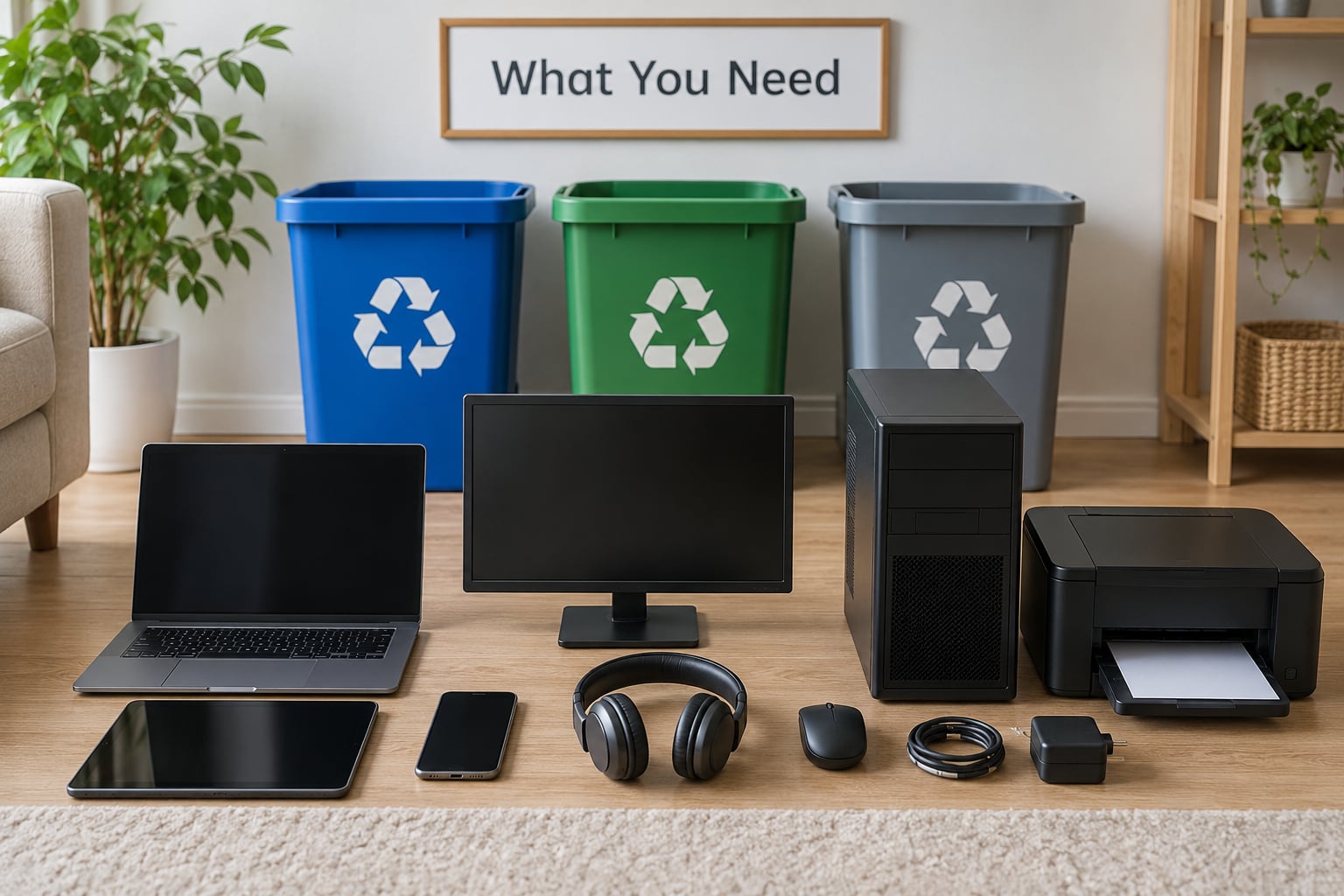
You need almost nothing, which is why so many devices sit in drawers for a decade. Here is the short kit list.
- A backup destination. An external drive, a cloud account, or a local drive you can check afterwards.
- A box or sturdy bin. Corrugated cardboard works for small items; line it with a plastic bag for anything with a cracked screen.
- Masking tape and a marker pen. For labelling storage media and writing down the serial numbers before you hand things over.
- A clear bag or taped battery terminal. Lithium cells must not have their contacts touching loose metal.
- The accepted-items list for your chosen collection point. Most sites refuse batteries, toner, or CRT monitors, and checking first saves a second trip.
Two terms worth knowing before you start, because they decide who is trustworthy. R2 is a US certification, R2v3 being the current version, awarded to recyclers that meet requirements covering worker safety, data protection and material tracking. e-Stewards is the international equivalent under its own standard. Both publish a directory, so a claim of certification is checkable rather than a marketing line.
Also worth separating: data sanitization means making data unrecoverable by overwriting or cryptographic erasure, while data destruction means physically breaking the storage medium. Sanitization applies to working drives; destruction applies to failed drives you cannot wipe.
How to Recycle Electronics Responsibly Step by Step
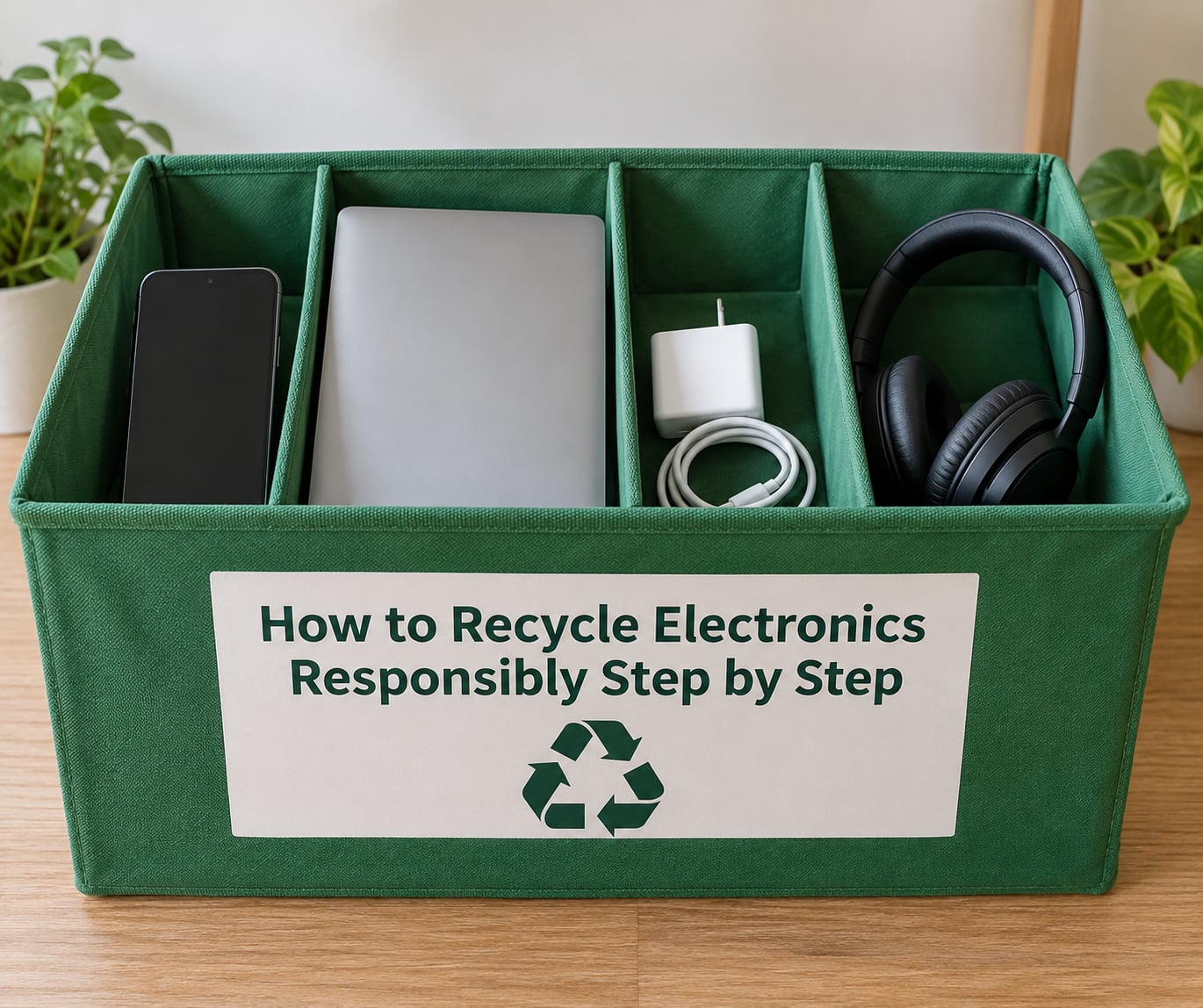
Follow these in order. Skipping step one is the mistake that turns a recycling trip into a privacy problem.
How to Back Up and Delete Your Data
Recycling does not erase your data. One widely cited industry study found that more than 40% of drives handed to recyclers still held recoverable data, which is why IT teams on forums like r/sysadmin never rely on the drop-off counter alone. Wipe it yourself first.
Transfer your photos, documents and authenticator apps, then open the backup and confirm your files are actually there. Most people skip this confirmation and discover the gap months later.
- iPhone or iPad: Settings > General > Transfer or Reset > Erase All Content and Settings, enter your passcode, confirm, then Settings > General > Reset > Erase All Content and Settings once more on the fresh setup screen. Remove the SIM tray before you go any further.
- Android: Settings > System > Reset > Factory data reset > Erase all data, confirm, then enter your PIN on the new screen. Samsung devices sit under Settings > General Management > Reset > Factory data reset.
- Windows 11 or 10: Back up first, then Settings > System > Recovery > Back up > Advanced recovery > Reset this PC > Choose everything > Remove everything, and choose Clean data when asked. On Windows 10 the path is Settings > Update & Security > Recovery > Reset this PC.
- Mac: Apple menu > System Settings > General > Transfer or Reset > Erase All Content and Settings. On an Intel Mac the older route is Apple menu > System Preferences > Erase > Erase Intel Mac, or Command-R into recovery for Apple silicon.
- External hard drive or SSD: On Windows, right-click the drive in File Explorer > Manage > Tools > Defragment > Optimize. On macOS, open Disk Utility > select the drive > Erase > Security Options > Secure Erase. For a drive that will never boot again, physical destruction with a drill press or a hammer is legitimate and faster.
Before the reset, sign out of cloud accounts and email, remove any SIM or eSIM, and delete saved card details. On computers, deauthorise apps that will phone home on first boot.
Write the asset tag or serial number on masking tape and stick it to the drive. That is what ties your device to a certificate of destruction later.
How to Identify What Can Be Recycled
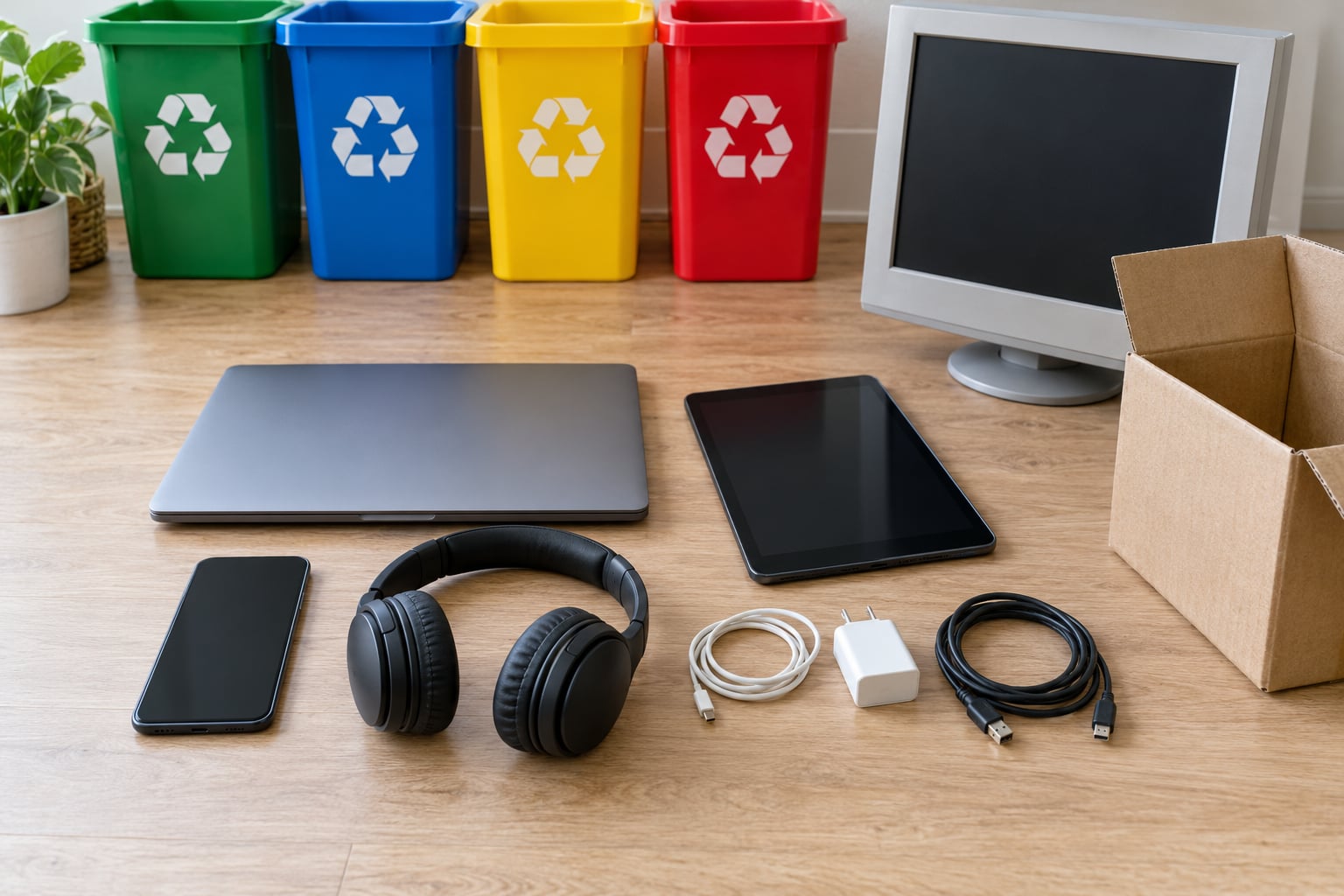
Most collection points accept the obvious items: phones, tablets, laptops, desktops, monitors, TVs, printers, cables, chargers, keyboards, game consoles and small kitchen appliances such as kettles and toasters.
Several categories need a separate route rather than a general bin.
- Lithium-ion batteries go to a battery collection point or a dedicated battery bin, not into a mixed electronics pile. A swollen pouch cell from an old phone is a fire risk in any container, so tape the terminals and keep it out of a box with loose screws.
- CRT monitors and TVs contain leaded glass and need a facility that handles them. Most retail drop-off counters refuse them.
- Toner and ink cartridges usually have a manufacturer mail-back envelope, and many office supply stores take them back for free.
- E-cigarettes and vaping devices are nearly never taken at electronics events because of the nicotine residue. Treat the device as a battery and the pod as a small plastic part you can replace.
- Solar panels and small panels are handled by specific schemes, since the glass and the solder are difficult to separate.
- Cables and chargers are accepted almost everywhere, and copper recovery is what makes them worth collecting.
Rule of thumb for anything uncertain: if it has a plug, a battery or a screen, it is e-waste rather than household waste.
How to Find a Certified Electronics Collection Point
Search for a collection point that states its certification before you commit. In the US, look for R2v3 or e-Stewards in the R2 directory; in Spain and the EU, your municipal website lists the puntos de recogida RAEE and which items each one accepts.
Manufacturer take-back programmes are the easiest route because they are free and pre-paid. Apple Trade In, Samsung’s recycling programme and Dell’s recycling pages all issue a kit or a credit for a working device. Retailers such as Best Buy accept electronics at the counter, though data services vary and are not guaranteed for every drop-off.
| Channel | Cost | Typical items | Data handling | Documentation |
|---|---|---|---|---|
| Manufacturer take-back | Free, usually pre-paid post | That brand’s devices only | Varies; ask before posting | Some issue a receipt or credit |
| Retail counter drop-off | Free | Phones, laptops, cables, small appliances | Not guaranteed; wipe first | Rarely |
| Municipal collection point | Free | Broad range, batteries usually separate | Usually none; wipe first | Local |
| Certified recycler | Free or fee for pickup | Almost everything, including CRTs and toner | Documented sanitization or destruction | Certificate of destruction |
Ask three questions before you hand anything over: what certification do you hold, who processes my device downstream, and will I get a certificate? If the answers are vague, choose another site.
How to Prepare Electronics for Drop-Off
Package each item so it cannot damage the container or the person handling it. Put each device in its original packaging where you still have it, otherwise wrap it in a bag or bubble wrap and fill the box so nothing shifts when you carry it.
Remove accessories that follow a different stream. Pull out styluses, phone cases, stands, mounts and any low-value plastic, since those are often refused. Pull the SIM tray and any memory card, and keep them with you until you are certain the device is gone.
Tape battery terminals with masking tape or electrical tape, or bag each cell separately. Never put loose cells in with metal objects.
Label anything with storage inside. Even after a reset, a drive inside an unopened laptop is worth marking so the handler knows to route it through sanitization.
Keep the confirmation: the receipt, the serial number list, and any certificate of destruction or recycling. For a business or a school, ask for a chain-of-custody record and an asset tag report that matches each serial number.
One thing people expect to find missing: proof it actually got recycled. At a certified facility your device is weighed, sorted by type, dismantled, and routed. Circuit boards and metals go to smelting for copper, gold, silver, palladium and tin. Plastics and glass are separated by type. Batteries, CRT glass and toner go to specialist treatment so the lead and cadmium never reach soil or groundwater. The process is real, and documentation is how you confirm the one you chose is doing it.
Common Mistakes
Putting electronics in the household bin or the curbside recycling container. Bins are for bottles and paper, and electronics that slips through sorting goes straight to landfill. Fix: take it to a collection point, no matter how inconvenient the timing.
Binning batteries with everything else. This is the mistake with the worst consequences, because a damaged lithium cell can ignite in a truck. Fix: separate every cell and cartridge, tape the terminals, use a battery-specific collection point.
Using a recycler you have never verified. Anyone can print a badge saying e-waste expert. Fix: look up the name in the R2 or e-Stewards directory before you load the car.
Assuming the drop-off wipes your data. Most counters do not, and forum advice from r/sysadmin and r/msp converges on this: wipe first, destroy physically if the drive is dead, and ask for the certificate. Fix: never rely on counter staff alone.
Confusing reuse with disposal. Donating a device full of your logged-in accounts is not charity, it is a data leak for whoever receives it. Fix: wipe and unlink it from your account before donating or selling.
Handing over a working device too early. Repair, resell or donate it first. Right to Repair means most laptop and phone problems are fixable with a battery or a screen swap, and a working device that serves another year beats a bag of recovered copper.
Forgetting to document. If something goes missing, a photo of the serial label is your only reference. Fix: photograph each serial number before you leave home.
Frequently Asked Questions
Should I destroy my computer before recycling it?
Only if the drive will not boot or you cannot get a clean wipe. If the device works, a factory reset or a verified secure erase is enough and keeps the materials recoverable. If the drive is dead or you are recycling a device for a business, physically drilling or breaking the platters is legitimate, and so is a certified data destruction service. Either way, label the serial number so you receive a matching certificate of destruction.
How do you wipe electronics before recycling?
Back up, verify the backup, sign out of accounts, then use the reset built into your device: Erase All Content and Settings on iPhone and Mac, Factory data reset on Android, Reset this PC with Remove everything on Windows, and Secure Erase in Disk Utility for an external drive. Remove the SIM or eSIM before you reset. Label the drive with its serial number so the recycler can record what they received.
Can I put electronics in my curbside recycling bin?
No. Curbside collections are built for bottles, paper and cardboard, and electronics that slip through sorting end up in landfill or on an export route rather than being recovered. Some municipalities accept a small list of items through curbside, but the rules are local and narrow. Check your council’s accepted-items page before you put anything out, and take everything else to a collection point.
Does e-waste actually get recycled?
At a certified facility, yes. Devices are weighed and sorted by type, then dismantled. Circuit boards and metals are sent for smelting to recover copper, gold, silver and tin, while plastics and glass are separated by polymer and colour. Batteries, CRT glass and toner are routed to specialist treatment because they carry the hazardous fraction. That last step is why certification matters: it is the guarantee that the hazardous stream is handled rather than dumped.
Where can I recycle electronics for free?
Most municipal collection points and retailer counters take electronics at no charge, and manufacturer take-back programmes cover their own devices with a pre-paid kit. Trade-in schemes add a credit instead of charging you, though a cracked screen or a swollen battery usually reduces or cancels it. In Spain, your ayuntamiento lists the puntos de recogida RAEE and which items each one accepts.
How do I recycle a device with a cracked screen?
Wrap it so no glass is exposed, bag it separately from working devices, and label the box as a damaged screen so the handler knows to use gloves. A cracked LCD or OLED panel still contains valuable metals and usually goes to the specialist stream. If the crack reaches the battery area or the device is swollen, treat it as a battery and take it to a battery collection point instead.
That is how to recycle electronics responsibly in about an hour of work. Start with one drawer: pick the phone and the laptop, wipe them using the reset paths above, then find the nearest collection point that names its certification. Everything else can wait for the next trip, and nothing goes back in the bin.